31 August 2026
What 4D actually is on a job
By Ken Panitz
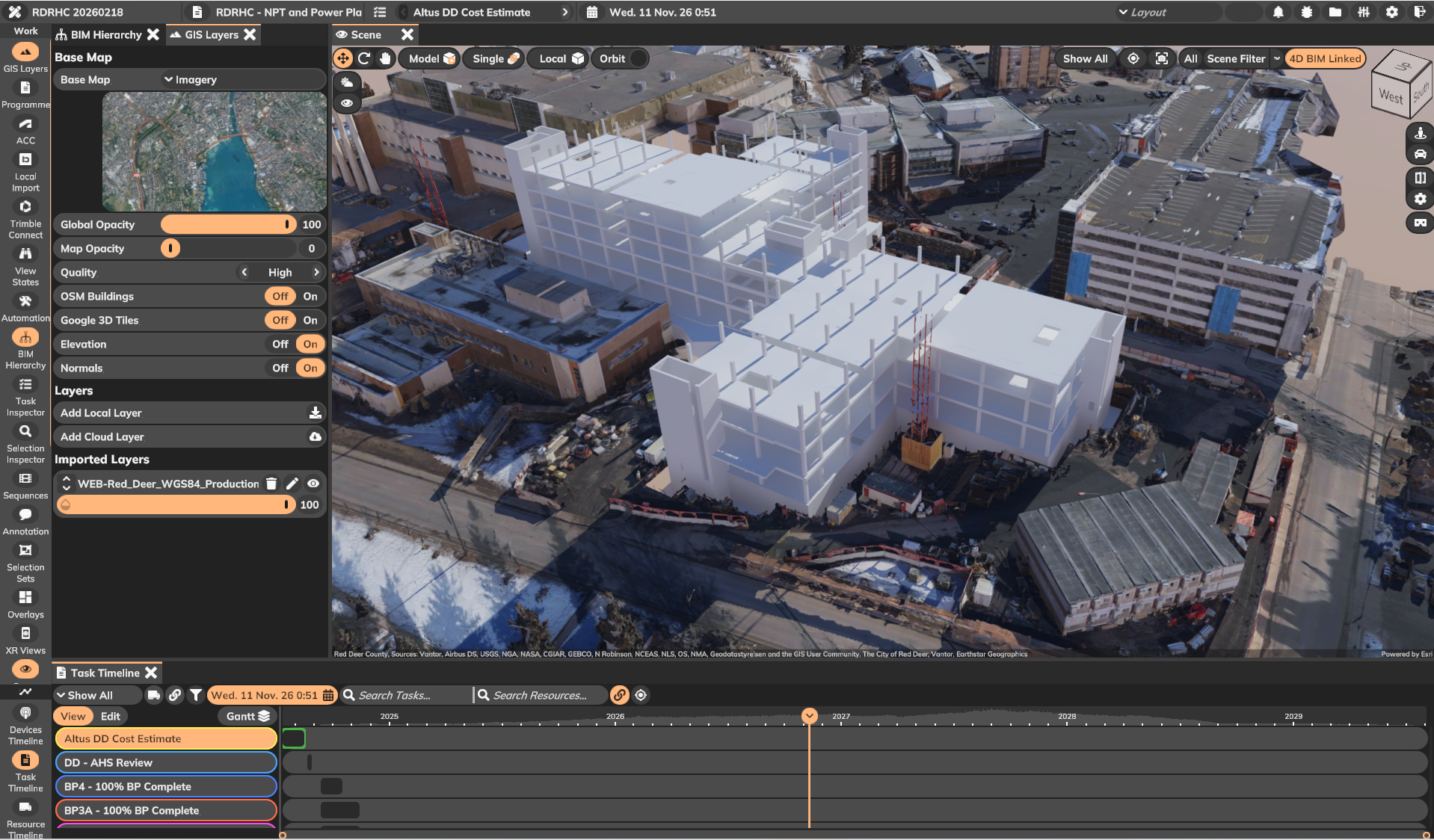
A 4D model is the programme stuck to the geometry. Monday's pour is on the model. Next month's clash is on the model before the crew is.
That is the whole idea. Time is a dimension you can scrub, not a bar chart on the wall.
It is not a fly-through for the bid board. A fly-through is a video. You watch it once. You cannot ask it what occupies the shaft in week 14, or whether the crane still has a pad when the deck steel arrives.
On a job you use 4D to do three things.
Sequence the work. Two trades in the same hole is a planning failure, not a site failure. If you can see the overlap on Tuesday, you do not find it in the hole.
Check the method. A lift, a temp work, a shut-down window. Walk it in the model before you book the crane.
Hand someone a workpack they can see. A Gantt in a PDF does not show a subbie where the EWP sits. The model does.
Tobe Builder is the desktop we use for that. Bring the site and the model in. Tie tasks to the geometry. Scrub time. Then send the same view out so the people who need it can see it.
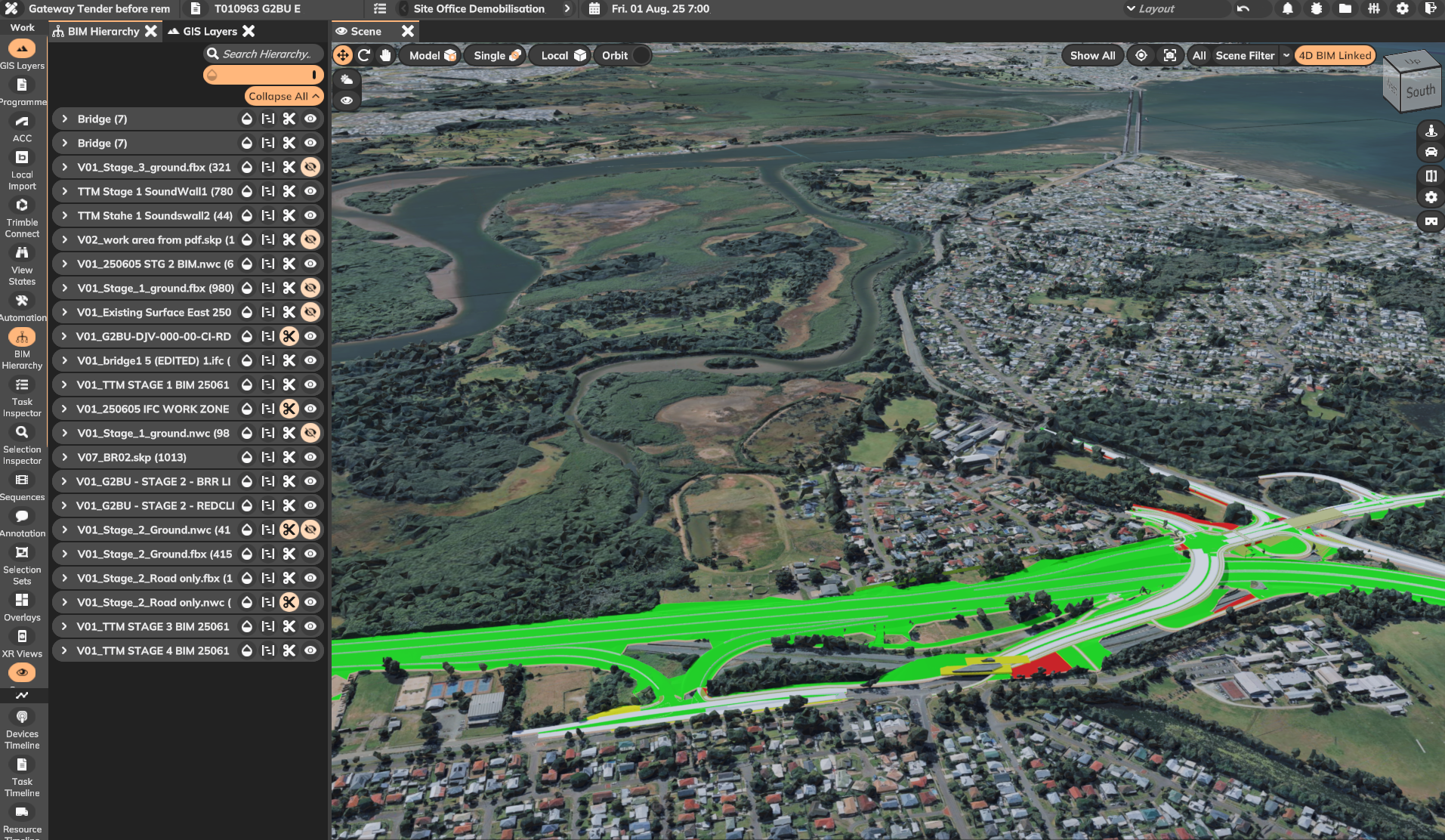
If you have not run 4D this way, start with one area of one job. Not the whole programme. Get the sequence honest, then widen it.
Start a 14-day trial. No credit card. Or read how Tobe Builder is put together.